Planning Your CCTV Camera System
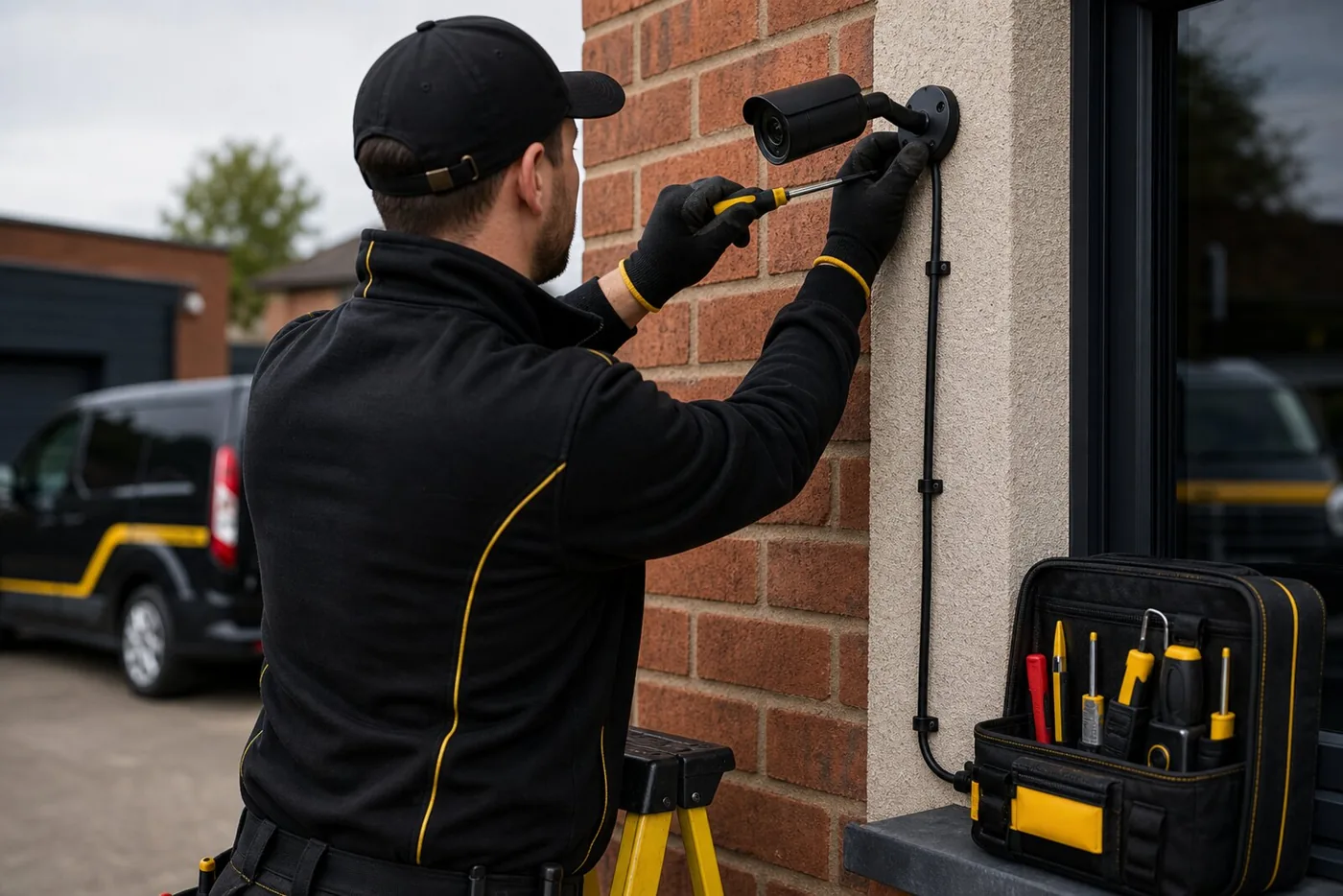
We install, upgrade and troubleshoot Ubiquiti and Hikvision CCTV security camera systems, including camera fitting, neat cable routes, recorder or network connections, storage setup and remote viewing where the system supports it.
We fit, upgrade and troubleshoot Ubiquiti and Hikvision CCTV equipment. Camera positions, cable routes, recording storage, night-time coverage and the way you want to view footage are checked before installation or repair, with app viewing set up where the chosen system supports it.
Recording, Phone Viewing And System Handover
Camera resolution alone does not determine the usefulness of footage. Position, lighting, recording settings and storage matter too. We discuss the view needed at entrances or driveways and the supported phone access. Internet loss, power loss and local recording behaviour differ between systems, so these should be explained alongside account ownership, update responsibilities and how to retrieve recordings.
Camera Positioning And Privacy
Aim domestic cameras at your own property where possible and consider privacy masking for neighbouring areas. If a system captures beyond the property boundary, including public or shared areas, data protection obligations can apply. The owner remains responsible for using the system lawfully. Check current ICO guidance when planning camera views, audio recording, notices and access to footage.
Checks And Work
Involved
The exact scope depends on the existing wiring, access and what testing finds. These are the parts we usually discuss.
Camera Positions
Camera locations are planned around the areas you need covered, such as front doors, driveways, side paths, rear gardens, shops, stock areas or yards.
Cabling, Power and Network
Cables are routed as neatly as possible, with power, network, recorder and monitor connections checked before setup.
Recording, Alerts and Viewing
Recording storage, phone viewing, motion alerts, detection zones and night-time image quality are discussed around the chosen Ubiquiti or Hikvision system.
Upgrades and Troubleshooting
Existing cameras, cables, recorders, storage, app viewing and coverage can be checked before deciding whether repair, replacement or a system upgrade makes sense.
What Affects CCTV Installation Cost?
Send the property type, areas to cover, existing equipment model numbers and how you want to view recordings. Camera count, mounting height, cable routes, recording capacity and network equipment all affect the scope. Ask which equipment and storage are included and whether your chosen features involve any ongoing licence or subscription costs.
Request a QuoteHow The Job Usually Runs
You send the property type, camera locations, access points and what areas you want covered.
Camera positions, cable routes, power, recording storage, internet connection and viewing requirements are checked, including any existing equipment you want to keep.
The cameras are installed, upgraded, connected, aimed and set up for recording, app viewing and alerts where supported.
FAQs
Questions people ask before booking cctv installation in Doncaster.
Need CCTV Installation
In Doncaster?
Send a short description, the postcode and a couple of photos if they show the issue. If the job needs a visit before it can be priced properly, we will say so.
Opening hours
Request a quote
Tell us what needs doing. We will discuss the job and confirm whether a visit is needed before quoting.
We usually reply the same day to enquiries received during opening hours. For an urgent fault, call 01302 616206 or mobile 07718 011512 to check availability.
Fields marked * are required. This is an enquiry, not a confirmed booking.
Helpful Guides Before You Book
Outdoor Security Lights: Tripping, PIR Settings And Safety
Buying Electrical Products Online: Safety Checks For Doncaster Homes
Doncaster And Nearby Areas
Send your postcode with the job details so we can confirm coverage and availability.