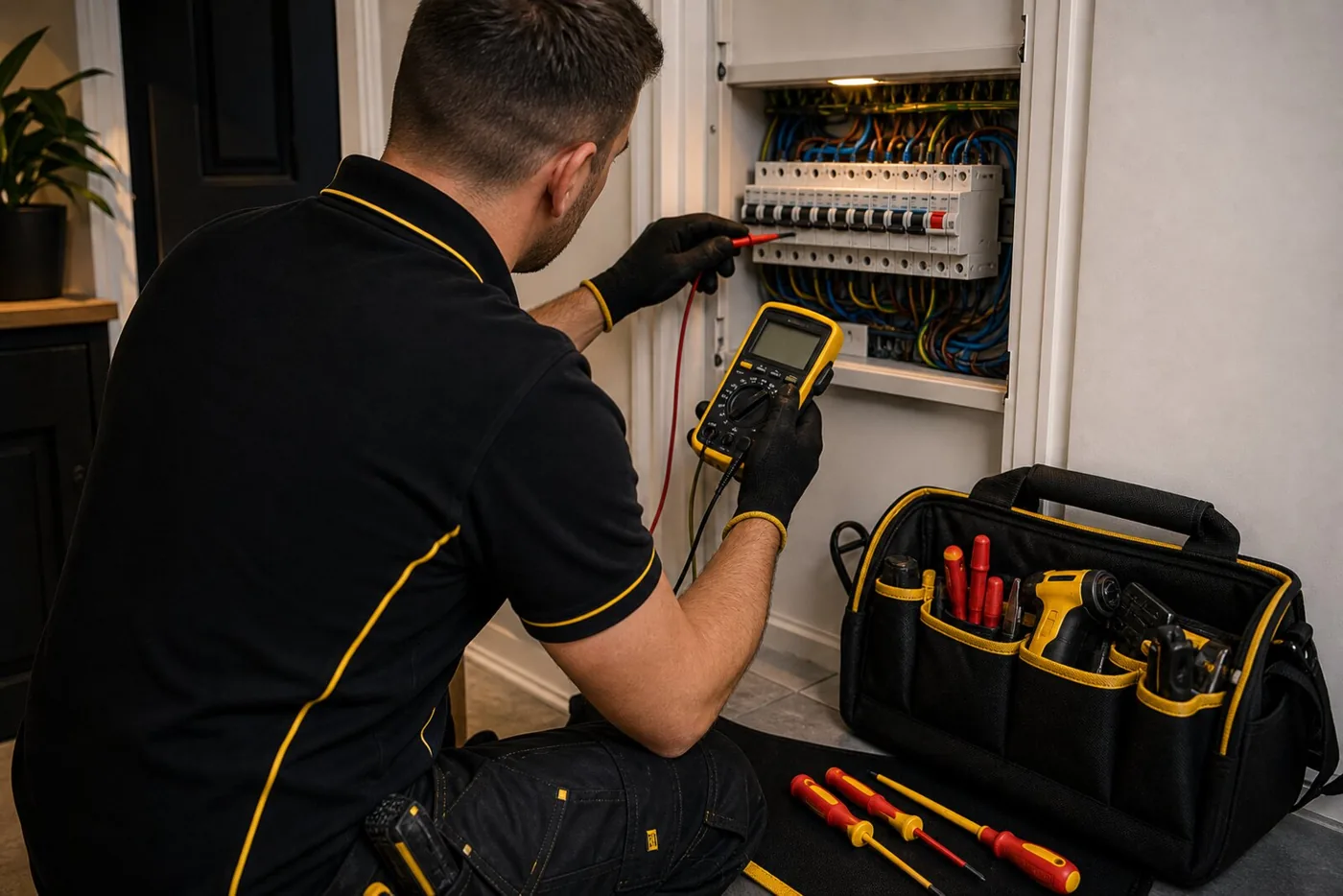
When the lights go out across the whole street, the answer is usually simple: report the power cut and wait for the network operator. When only the sockets, upstairs lights or one side of the house has gone off, it is often a different problem.
For Doncaster homes, the useful first step is to separate a genuine area power cut from a fault inside the property. That keeps you from waiting on the wrong company, and it helps an electrician understand what needs testing if the RCD or breaker will not stay on.
Check whether it is a wider power cut first
If the whole property is off, check whether neighbouring homes or street lights are affected. Northern Powergrid handles electricity network faults across Yorkshire and North Lincolnshire, and the national 105 service can connect you to the right local network operator.
GOV.UK Prepare also advises using your local network operator website or calling 105 for power cut reporting in England, Wales and Scotland. That route is for supply problems outside the property, not for a damaged socket, tripping RCD or faulty circuit inside the house.
Partial power loss usually points back inside the property
If some circuits still work, look at the consumer unit without removing any covers. A switch may be down, labelled as sockets, lights, cooker, shower, garage, outside power or RCD. Make a note of what has tripped and what was being used at the time.
Do not keep forcing a breaker or RCD back on if it trips straight away. The trip is there for a reason. It may be reacting to a faulty appliance, damp outdoor wiring, damaged accessories, a circuit fault or an issue in the consumer unit.
What you can check safely
Only consider one reset if the area is dry, there is no heat, burning smell or visible damage, and you can follow the consumer unit instructions safely. Switch off and unplug accessible appliances on the affected circuit first. Do not reconnect anything already suspected to be faulty just to reproduce the trip. If the device trips again or you are unsure, leave it off and arrange testing.
Keep the checks simple. Do not remove socket fronts, open the fuse board, touch damaged cables or investigate anything wet. If there is a burning smell, heat, crackling, visible damage or water near electrics, leave it isolated and arrange urgent advice.
RCDs are safety devices, not an inconvenience to bypass
Electrical Safety First explains that an RCD is designed to reduce the risk of electric shock and electrical fires by switching off quickly when it detects a problem. If yours will not reset, that is useful evidence rather than something to defeat.
Older installations may have several circuits protected by one RCD, so a fault on an appliance, outdoor light, garage supply or socket circuit can knock out a larger part of the home. Proper fault finding narrows that down with test equipment instead of guesswork.
What to tell the electrician
Send the postcode, a photo of the consumer unit, which switches are down, which rooms are affected and what was being used when the power went off. Mention recent decorating, damp, outdoor work, new appliances, drilling, kitchen changes or anything that has been intermittent.
That information can save time on site. It also helps decide whether the job is likely to be fault finding, a damaged accessory replacement, an outdoor wiring issue, a consumer unit problem or a wider inspection recommendation.
If everything is off but no protective device appears to have tripped, the cause may involve the supply or meter, even when neighbours have power. Use 105 for a suspected network fault and your energy supplier for a meter issue. Never open the meter, service fuse or sealed supply equipment.
Quick notes before asking for fault finding
- Check whether neighbours are off too, then use 105 if it looks like a network power cut.
- Take a clear photo of the consumer unit before resetting anything.
- Write down which rooms, sockets, lights or appliances have lost power.
- Only consider one reset when conditions are dry and safe, following the device instructions.
- Stop immediately if there is heat, burning smell, crackling, water damage or visible cable damage.